Screenshots

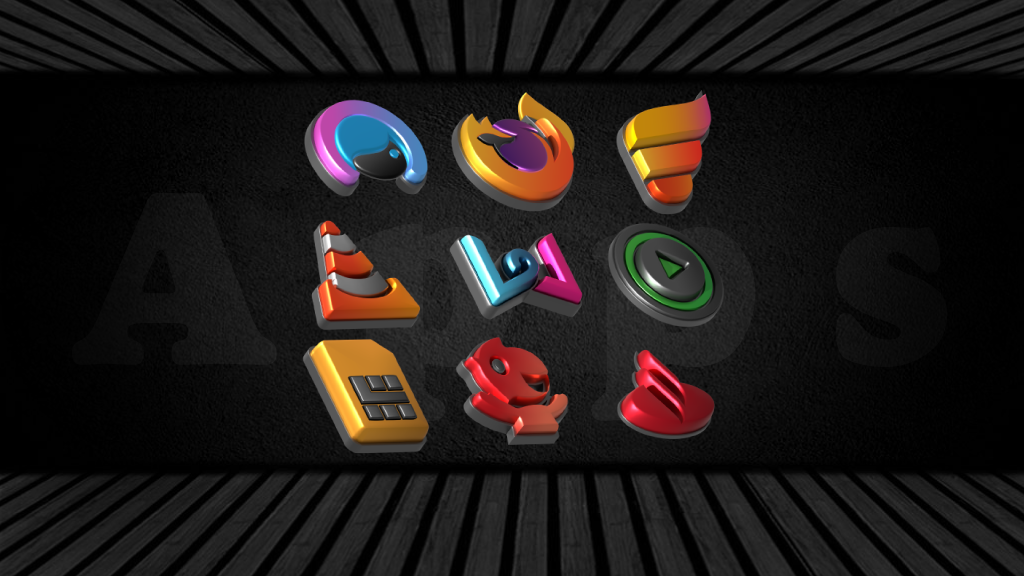


About Auric Dark - 3D Icon Pack
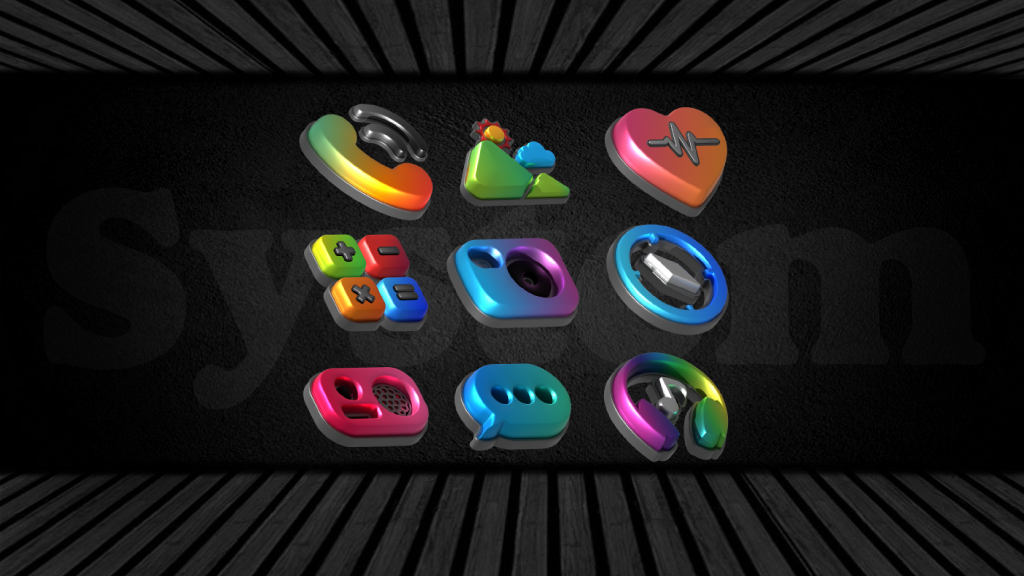
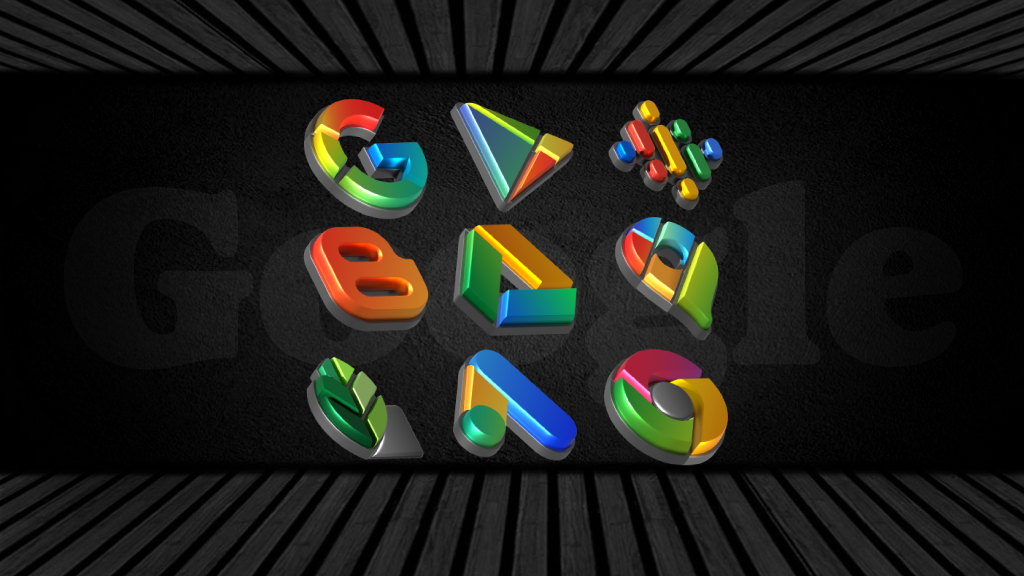
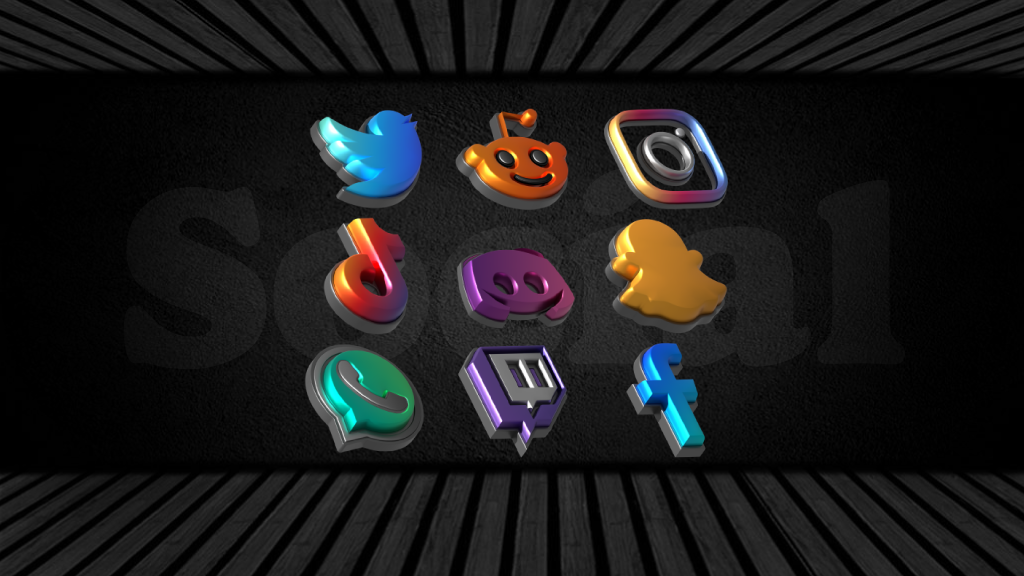
Transform your home screen with Auric Dark, a premium 3D icon pack designed to give your phone a stunning, deep visual upgrade. Every single icon is beautifully crafted with a unique 3D depth effect, vivid color accents, and a sleek dark background that looks absolutely incredible on AMOLED displays.
Whether you are building a stealthy dark mode setup or just want your home screen to pop with 3D elements, Auric Dark provides the ultimate customization experience.
- KEY FEATURES:
- Thousands of high-quality, handcrafted 3D dark icons.
- Cloud-based matching wallpapers specifically designed to complement the
3D aesthetic.
- Perfect for AMOLED and OLED screens to save battery while looking
premium.
- Dynamic Calendar icon support (for supported launchers).
- Premium Icon Request tool to get your missing apps themed quickly.
- Frequent updates with new icons and continuous improvements.
HOW TO APPLY AURIC DARK:
To use this icon pack, you need a supported custom launcher installed (see the full list below) or a compatible theming engine.
⚠️ IMPORTANT TUTORIAL FOR SAMSUNG USERS:
Samsung's default home screen (One UI) does not support third-party icon packs out of the box. To apply Auric Dark on a Samsung Galaxy device, you have two simple options:
Option 1: Using Samsung's Official Theme Park (Recommended)
Open the Galaxy Store and download the Good Lock app and the Theme Park module.
Open Theme Park and go to the Icon tab at the bottom.
Tap Create New.
Tap the blue Iconpack button and select Auric Dark from the list.
Tap the download/save icon at the top right, name your theme, and apply it!
Option 2: Using a Custom Launcher
Download a custom launcher from the Play Store (like Nova Launcher or Smart Launcher).
Set it as your default home app.
Open the Auric Dark app, go to the "Apply" section, and choose your new launcher!
✅ SUPPORTED LAUNCHERS:
Nova Launcher • Action Launcher • ADW Launcher • Apex Launcher • Blackberry Launcher • ColorOS Launcher • Evie Launcher • Lawnchair • Microsoft Launcher • Niagara Launcher • OnePlus Launcher • Smart Launcher • Solo Launcher • and many more!
✉️ SUPPORT & REFUNDS:
Noticed a missing icon? Use the built-in Icon Request tool inside the app, and it will be included in the next update. If you experience any issues or need help setting up your home screen, feel free to email us directly.
Give your phone the 3D dark mode upgrade it deserves. Download Auric Dark today!
Contact:
Email : screativepixels@gmail.com
Twitter: https://twitter.com/Creativepixels7
Information
View on Google PlayFrequently Asked Questions
Is Auric Dark - 3D Icon Pack free to download?
Auric Dark - 3D Icon Pack is free to download from Google Play Store.
How big is Auric Dark - 3D Icon Pack?
Auric Dark - 3D Icon Pack requires 8gb of storage space.
Is Auric Dark - 3D Icon Pack safe to download?
Yes, we provide direct download links from the official Google Play Store, ensuring a safe and verified download.
Compare Auric Dark - 3D Icon Pack
Similar Apps
See All


