Screenshots
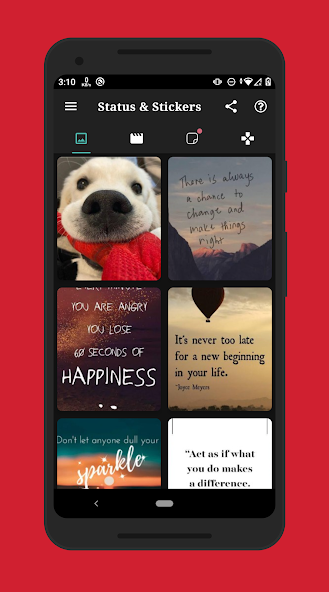
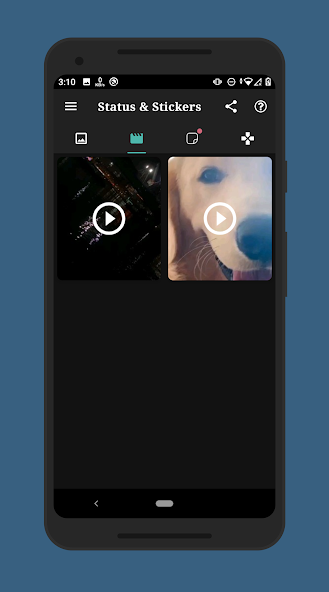
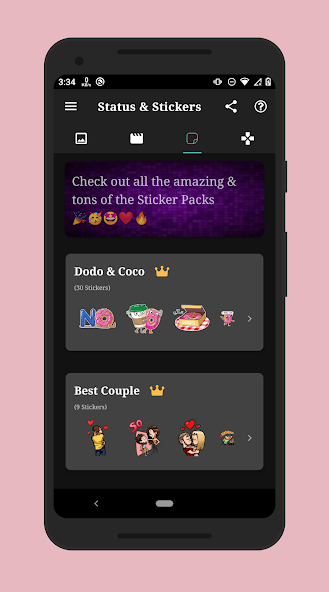
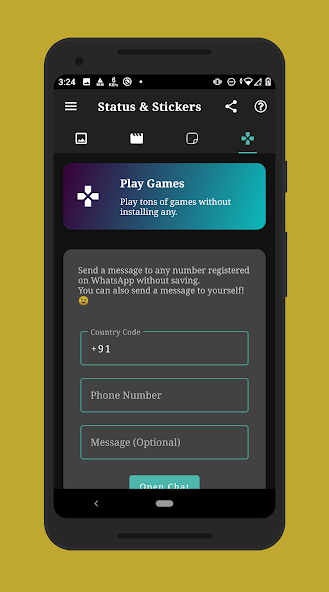
About Status, Sticker Saver
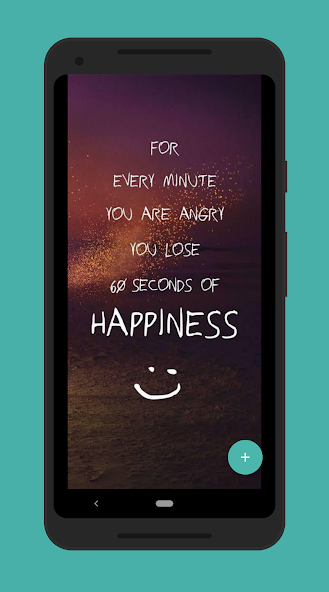
Loved a Friend's Status or a Sticker they sent?
Well, You are at the Right App page 😉
How to Use (Status)?
1 - Check the Desired Status / Story...
2 - Open App, Click on any Status to View or Use Multi Selection...
3 - Click the Save Button...
The Status is Instantly saved to your Gallery! 😉😃
How to get the amazing Stickers?
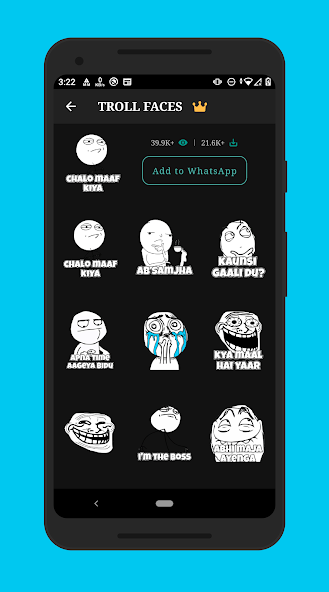
1 - Browse through tons of amazing Stickers
2 - Choose any of the available & click on it,
3 - Just Tap Add & there you go!
The App shows you Statuses from multiple Apps,
along with Thousands of amazing Stickers at your disposal!
Notable Features:
- Multi Save, Delete, Repost / Share,
- Easy Repost without Saving,
- Easy & Fast Saving,
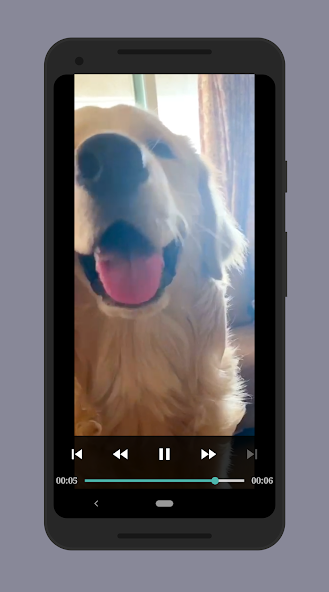
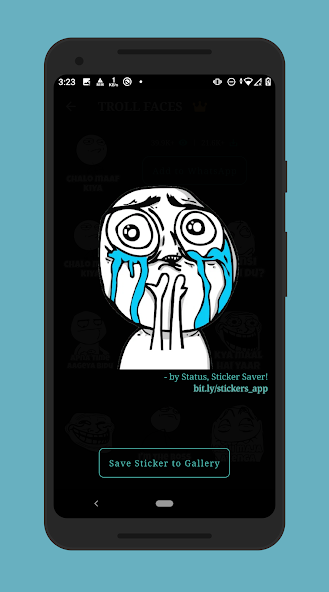
- Built in Image Viewer & Video Player,
- Hundred & Thousands of Stickers for Social Sharing!
- Easy Navigation!
Still Reading this? 😛
Go get the App & start Saving Statuses, Sharing Stickers! 😃
Hey wait,
Please do give a Good Rating if you liked the App! 😀
Probably a 5 Star 😁😃
Information
View on Google PlayFrequently Asked Questions
Is Status, Sticker Saver free to download?
Status, Sticker Saver is free to download from Google Play Store.
How big is Status, Sticker Saver?
Status, Sticker Saver requires 2GB of storage space.
Is Status, Sticker Saver safe to download?
Yes, we provide direct download links from the official Google Play Store, ensuring a safe and verified download.
Compare Status, Sticker Saver
Similar Apps
See All