4.4
Rating
Free
Price
Screenshots


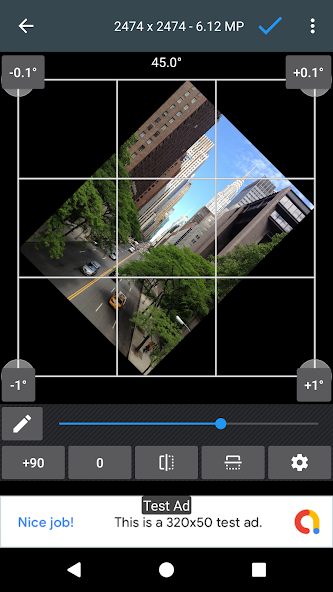
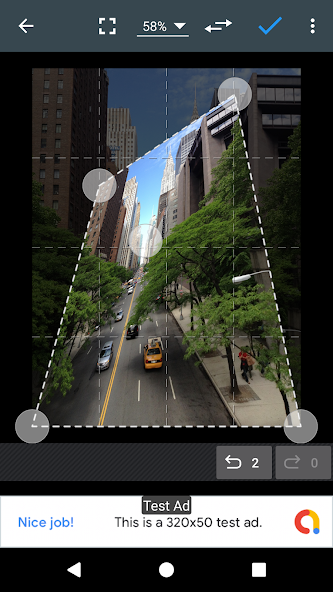
About Photo Editor
If you have some knowledge of photography, you can do a lot with Photo Editor.
Now use Photo Editor to edit photos on your mobile phone just like you would on a PC.
Features
- Color : exposure, brightness, contrast, saturation, temperature, tint and hue
- Curves & Levels : fine-tuning of colors
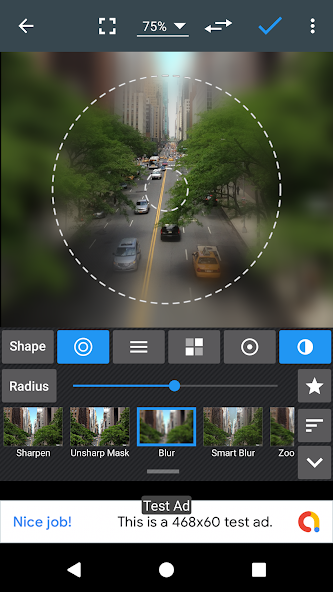
- Effects : gamma correction, auto contrast, auto tone, vibrance, blur, sharpen, oil paint, sketch, black & white high contrast, sepia, and more
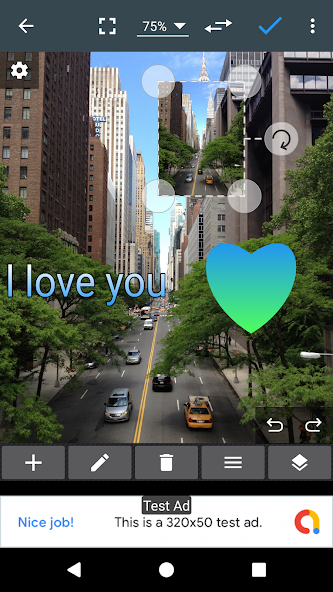
- Adding text, images or shapes
- Frame, Denoise, Drawing, Pixel, Clone, Cut Out
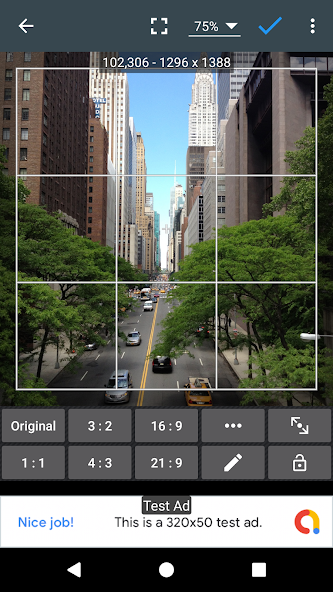
- Rotation, Straighten, Crop, Resize
- Corrections : perspective, lens, red-eye, white balance and backlight
- Easily edit with the touch and pinch-to-zoom interface
- Save images in JPEG, PNG, GIF, WebP and PDF
- View, edit, or delete Metadata (EXIF, IPTC, XMP)
- Save your final result to your gallery, as wallpaper, or on your SD card
- Share photos via email, social media, and more
- Batch, Crop(Puzzle), Compress to ZIP, Create PDF, Animated GIF
- Webpage Capture, Video Capture, PDF Capture
- Compare Photos, GIF Frame Extractor, SVG Rasterizer
- Ad-free option is available (Settings > Purchase Items)
- ** Links
Website: https://www.iudesk.com
Tutorials: https://www.iudesk.com/photoeditor/tutorial
- ** PHOTO EDITOR IS NOT SPYWARE/VIRUS!!!
Photo Editor does not contain any viruses or malicious code.
https://www.iudesk.com/photoeditor/security
Information
View on Google PlayFrequently Asked Questions
Is Photo Editor free to download?
Photo Editor is free to download from Google Play Store.
Is Photo Editor safe to download?
Yes, we provide direct download links from the official Google Play Store, ensuring a safe and verified download.
Compare Photo Editor
Similar Apps
See All
HeadAI – AI Headshot Generator
Writecream
Camera Filters and Lomo Camera
CH Ali Haider

PicTextEdit-Change photo text
Photography

FotorPea: Photo Enhancer AI
HitPaw

AuraRAW – Pro Manual Camera
ssolstice

UnStamp - Watermark Remover
LAASYA INFOTECH

FaceLab AI+ Age & Hair Editor
Lyrebird Studio

HD Camera: Ultra Zoom & Filter
POVA GLOBAL