
Screenshots


About Hide All–Hide Apps, App Hider
The easiest way to hide apps on your Android phone — safely simply, and discreetly.
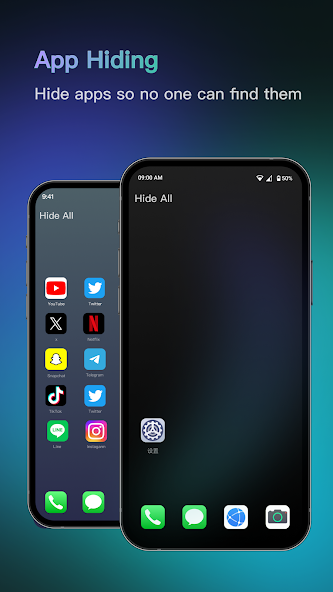
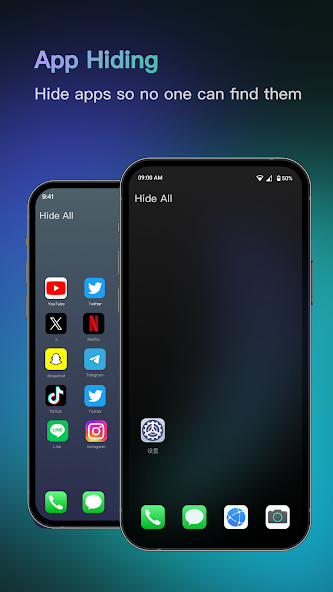
Hide All is a powerful app hider that helps you hide apps, manage hidden apps, and protect your privacy inside a secure secret space. All hidden apps are stored in a protected private space, accessible only by your password.
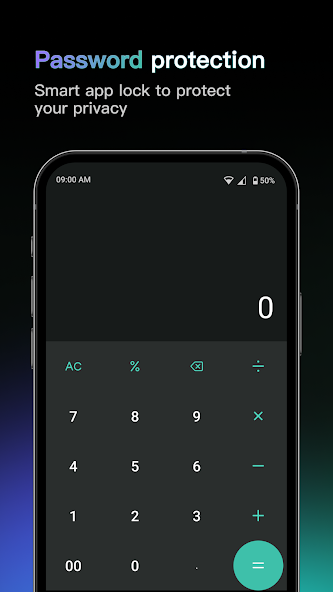
To keep this space truly invisible, Hide All uses a smart calculator vault disguise, also known as a calculator app lock for hidden apps. On the surface, it works like a normal
calculator app. Enter your secret PIN, and the
calculator vault instantly unlocks your hidden app vault.
Hide All combines true app hiding with a realistic calculator interface, keeping your hidden apps and
secret space safe from prying eyes.
Main Features
🔐 Secure Private Space & Hidden Apps
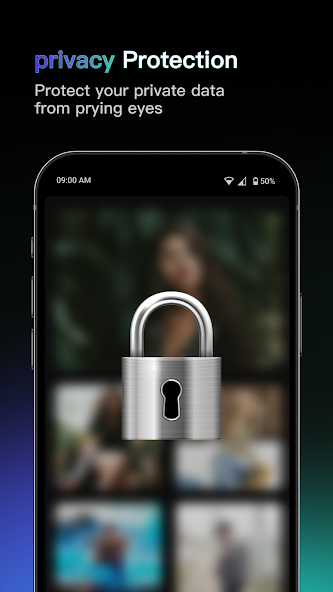
Hide All lets you hide apps, photos, and videos inside a secure private space. Unlike simple launchers, this app hider stores your hidden apps in a protected environment, not just removing icons from the home screen.
🔢Calculator Vault Protection
Hide All works as a fully functional calculator. Behind this normal calculator interface is a secure calculator vault. Enter your secret PIN to access your hidden apps. Without the correct password, the calculator vault remains locked.
🕶 Stealth Hiding Mode
With advanced stealth technology, Hide All keeps hiding apps discreet. Hidden apps won’t appear in recent tasks, making your secret space even harder to detect.
🔑 App Lock & Access Control
Lock your hidden apps using PIN or pattern protection. Only authorized access can open the private space, preventing privacy leaks and unauthorized use.
🎨 Calculator Icon Disguise
The app icon looks exactly like a standard calculator. This disguise ensures your app hider blends naturally with system apps, keeping your secret space unnoticed.
Why Choose Hide All
- True App Hiding
Hide All is not just about hiding icons. This app hider securely stores hidden apps inside a real private space, making them inaccessible without permission.
- Smart Calculator Vault Design
The calculator vault adds an extra layer of protection. It functions like a real calculator while secretly guarding your hidden apps.
- Simple & Easy to Use
Hide All is designed for everyone. Hide apps in just a few taps — no complicated setup required.
- No Ads, No Distractions
Enjoy a clean and smooth experience. Hide All focuses on privacy and usability, with no intrusive ads interrupting your workflow.
- Lightweight & Reliable
This app hider runs efficiently without slowing down your device, ensuring a stable and secure secret space.
HOW TO USE Hide All (Calculator App vault)
● One tap on the homepage to select apps you want to hide apps.
● When using the app hide launcher for the first time, you will be asked to set a second home screen. This only needs to be done once.
● No extra steps are required — simply select apps inside Hide All, and the app hider will hide them automatically.
● To unhide hidden apps, long-press the icon and exit Hidden Mode.
Now it’s time to protect your privacy with Hide All.
Create your own secret space, manage hidden apps, and enjoy a smarter way of hiding apps with a secure calculator vault.Hide apps easily. Stay private effortlessly.
Information
View on Google PlayFrequently Asked Questions
Is Hide All–Hide Apps, App Hider free to download?
Hide All–Hide Apps, App Hider is free to download from Google Play Store.
Is Hide All–Hide Apps, App Hider safe to download?
Yes, we provide direct download links from the official Google Play Store, ensuring a safe and verified download.
Compare Hide All–Hide Apps, App Hider
Similar Apps
See All


